
UniFi's Built-In Hotspot Portal vs. an External Captive Portal: Which Do You Actually Need?
If you run a UniFi network, you already have a guest portal. Ubiquiti ships a hotspot feature inside the UniFi Network application: turn it on, pick an…
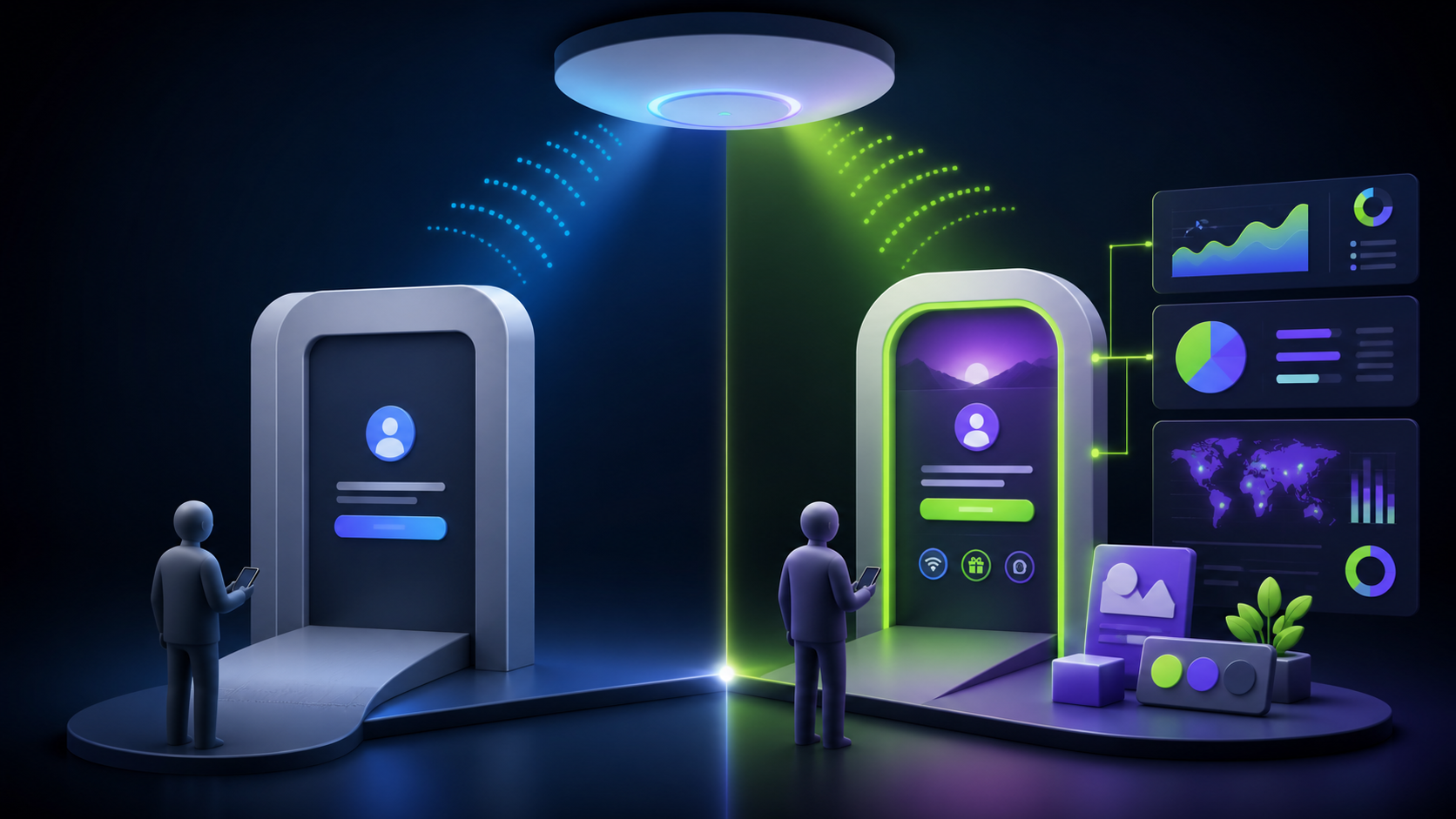
If you run a UniFi network, you already have a guest portal. Ubiquiti ships a hotspot feature inside the UniFi Network application: turn it on, pick an authentication method, and guests get a landing page before they connect. It's free, it's built in, and for some networks it's genuinely all you need.
So why do thousands of businesses layer an external captive portal like NerdPortal on top of UniFi instead? Because "guests can connect" and "guest WiFi is working for the business" are two very different outcomes. This article walks through what the native UniFi hotspot portal does well, where it runs out of road, and how to decide which setup fits your situation.
What the Built-In UniFi Hotspot Portal Does Well
Credit where due — Ubiquiti's native hotspot is a capable feature for basic access control. Out of the box, the UniFi guest portal supports:
- Simple password authentication — one shared password for all guests.
- Voucher-based access — printable codes with time limits, handy for hotels and offices that want per-guest credentials.
- Basic landing page customization — upload a logo, tweak colors and text.
- Guest policies — client isolation, bandwidth profiles, and access restrictions to keep guests away from your internal subnets.
If your only goal is to put a legal speed bump between the public and your internet connection — a coffee kiosk, a small waiting room, a job-site trailer — the built-in portal is a fine answer, and it costs nothing beyond the UniFi gear you already own.
Where the Native Portal Runs Out of Road
The gaps appear the moment you want your guest WiFi to produce something: contacts, insight, brand experience, or manageable multi-site operations.
1. No real lead capture. The native portal can show a page; it isn't built to collect and organize customer data. There's no structured contact database, no custom form fields tied to your marketing goals, no export pipeline into a CRM. The most valuable thing guest WiFi can generate — an owned marketing list — simply isn't what the built-in feature is for.
2. Limited branding depth. Logo-and-colors customization is a start, but businesses that care about brand experience quickly hit the ceiling: no fully designed layouts, no per-location branding variations from a single pane, no white-label options for MSPs presenting the portal as their own service.
3. Thin analytics. UniFi tells you plenty about the network — client counts, throughput, AP performance. It tells you very little about the business: who your guests are, how often they return, what your peak walk-in windows look like, or how signups trend month over month.
4. Multi-site friction. Managing branded guest experiences across many locations through native tools means touching each site's configuration and getting no consolidated view of guest data across the portfolio. For a chain, franchise, or MSP, that's real ongoing labor.
5. Compliance is on you. Data retention schedules, GDPR-grade handling of collected information, terms-acceptance records — the native portal wasn't designed as a data-governance tool, so any compliance obligations around guest data become manual work.
What an External Captive Portal Adds
An external portal server plugs into the same UniFi controller and takes over the guest-facing layer while UniFi keeps doing what it does best — moving packets. With NerdPortal connected to your UniFi controller(including 8.0+), the differences look like this:
Lead capture as a first-class feature. Guests connect through a branded form collecting the fields you choose — email, phone, custom questions. Contacts land in a real-time dashboard, export to CSV or JSON, or import into your CRM and marketing automation. Your WiFi becomes a list-building machine instead of a gate.
Full branding control. Point-and-click portal design with your logo, colors, imagery, and messaging — no coding — plus different branding per site and white-label options for integrators and MSPs.
Business analytics. Live visitor tracking, new-versus-returning guest breakdowns, peak usage times, and conversion metrics. You learn things about foot traffic that no other system in your business captures.
One dashboard for every location. Connect multiple UniFi sites and controllers and manage every portal, every brand variation, and every contact list from a single login. Pro plans cover 3 sites; Enterprise covers unlimited.
Compliance built in. privacy-conscious handling, AES-256-GCM encryption of stored controller credentials, automatic data retention policies, and enforced terms acceptance — the governance layer the native portal leaves to you.
Guest experience controls. Session durations, per-guest bandwidth limits configured alongside the portal itself, so marketing and network policy live in one place.
The Honest Decision Framework
Choose the built-in UniFi hotspot portal if:
- You need basic access control and nothing more.
- You have one location and no interest in collecting guest contacts.
- Vouchers or a shared password fully satisfy your use case.
- Budget is zero and the trade-offs above don't cost you anything real.
Choose an external captive portal like NerdPortal if:
- You want your guest WiFi to build a marketing list you own.
- Brand experience at the connection moment matters to you.
- You operate (or manage) multiple locations and want centralized control.
- You need analytics about guests, not just about access points.
- You have compliance obligations around collected customer data.
- You're an MSP or integrator who wants to resell guest WiFi as a white-label service.
The math is straightforward. NerdPortal starts at $29/month. If a branded portal captures even a few hundred contacts monthly and your average customer is worth more than a few dollars in repeat business, the platform pays for itself with a single successful email campaign — something the native portal was never designed to enable.
They're Not Competitors — They're Layers
The best way to think about it: UniFi provides world-class network infrastructure, and an external portal adds a business layer on top. NerdPortal doesn't replace your UniFi hotspot capability; it upgrades what happens in that moment between "guest wants WiFi" and "guest is online," and it does so without new hardware or firmware changes.
And the underlying network still matters enormously. A great portal on a badly designed network is lipstick on a dead zone. If your UniFi deployment needs a site survey, proper VLAN segmentation, or more coverage before guest WiFi can shine, The UniFi Nerds — the nationwide UniFi installation team behind NerdPortal — handle exactly that.
Frequently Asked Questions
Can I switch back if the external portal isn't for me? Yes, cleanly. Because NerdPortal layers on top of your controller rather than modifying it, disconnecting simply returns guest handling to the native hotspot. Your UniFi configuration, VLANs, and firewall rules are untouched either way — which is exactly why trialing the comparison is low-risk.
Does an external portal add a point of failure? The portal governs the authorization handshake, not your network's data path. Your UniFi gear keeps switching and routing exactly as before, and guest policy (isolation, VLANs, firewall rules) continues to be enforced by the controller. The design principle is separation of duties: Ubiquiti runs the network, NerdPortal runs the guest business layer.
Try Both Sides of the Comparison Yourself
The native portal is already in your controller. The external one takes five minutes to test: start a free 14-day NerdPortal trial, connect your controller, and compare what your guest WiFi produces in two weeks. No credit card required, and your UniFi network keeps running exactly as it always has.
NerdPortal is built by The UniFi Nerds, the nation's leading Ubiquiti and UniFi installation company.